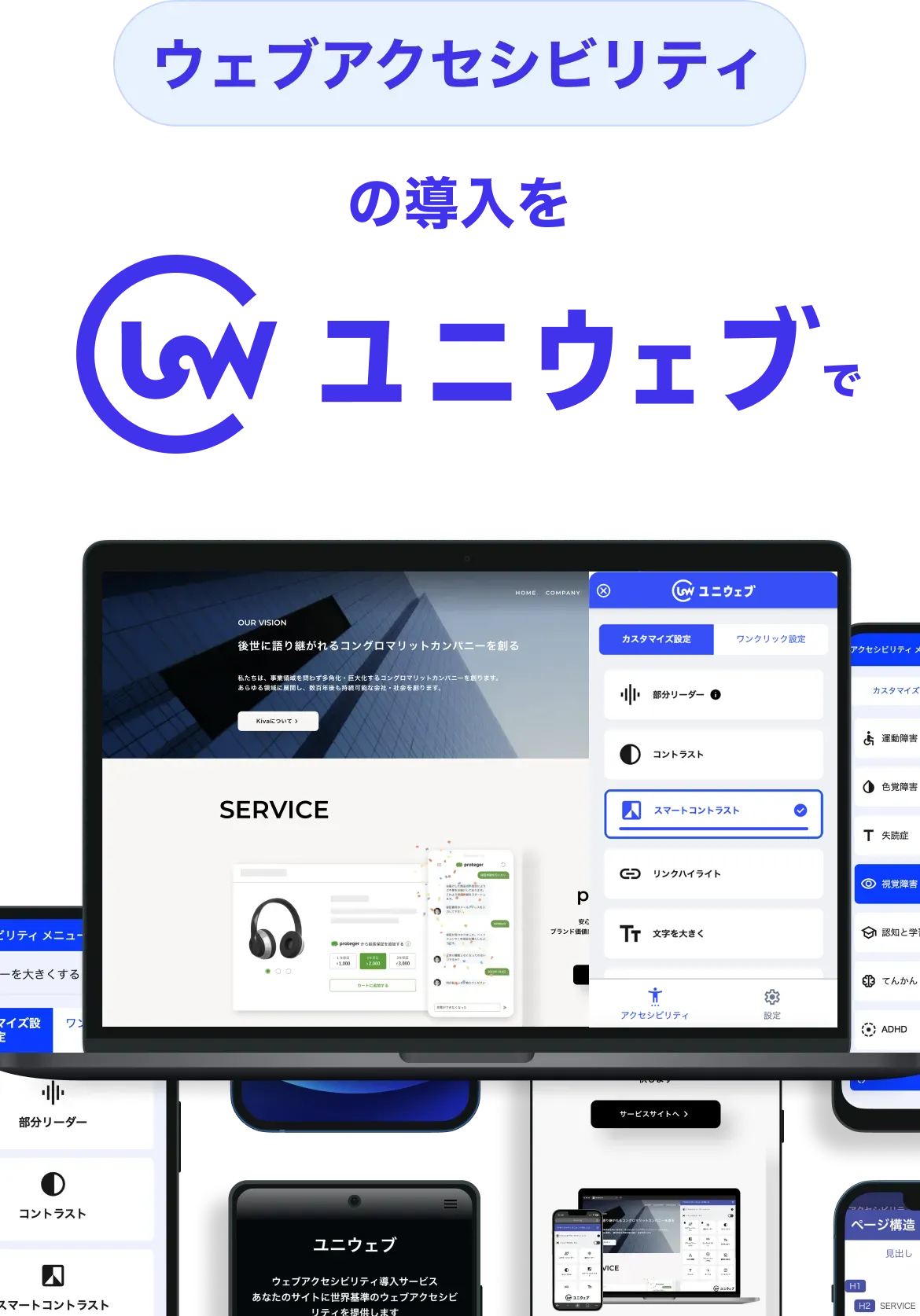
Web Accessibilityの
Starts Here

Starts Here





















































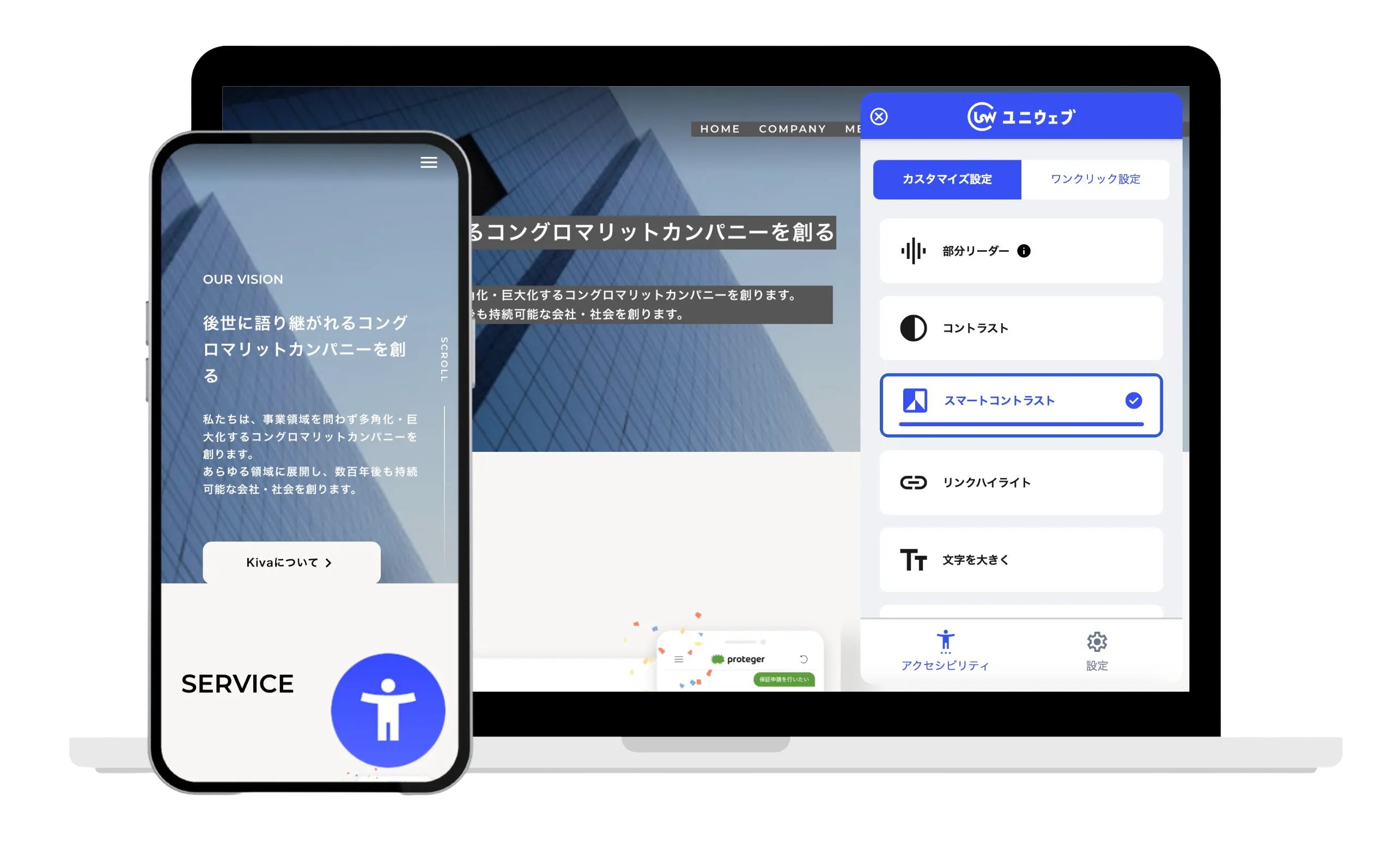
Adopted by companies across various industries.
What is web accessibility
Everyone can use websites equally, regardless of age or physical condition
With automatic website analysis and correction, comprehensive accessibility features, and more
, Uniweb offers a wide range of solutions to help resolve website visitors' concerns.
User-friendly
-
Read Aloud
-
Highlight Page Links
-
Display Tooltips
-
Show Page Structure

Easy to See
-
Increase Font Size
-
Adjust Colors
-
Adjust Brightness
-
Focus on What You Want to Read
Standards Supported
-
Domestic JIS Standards
-
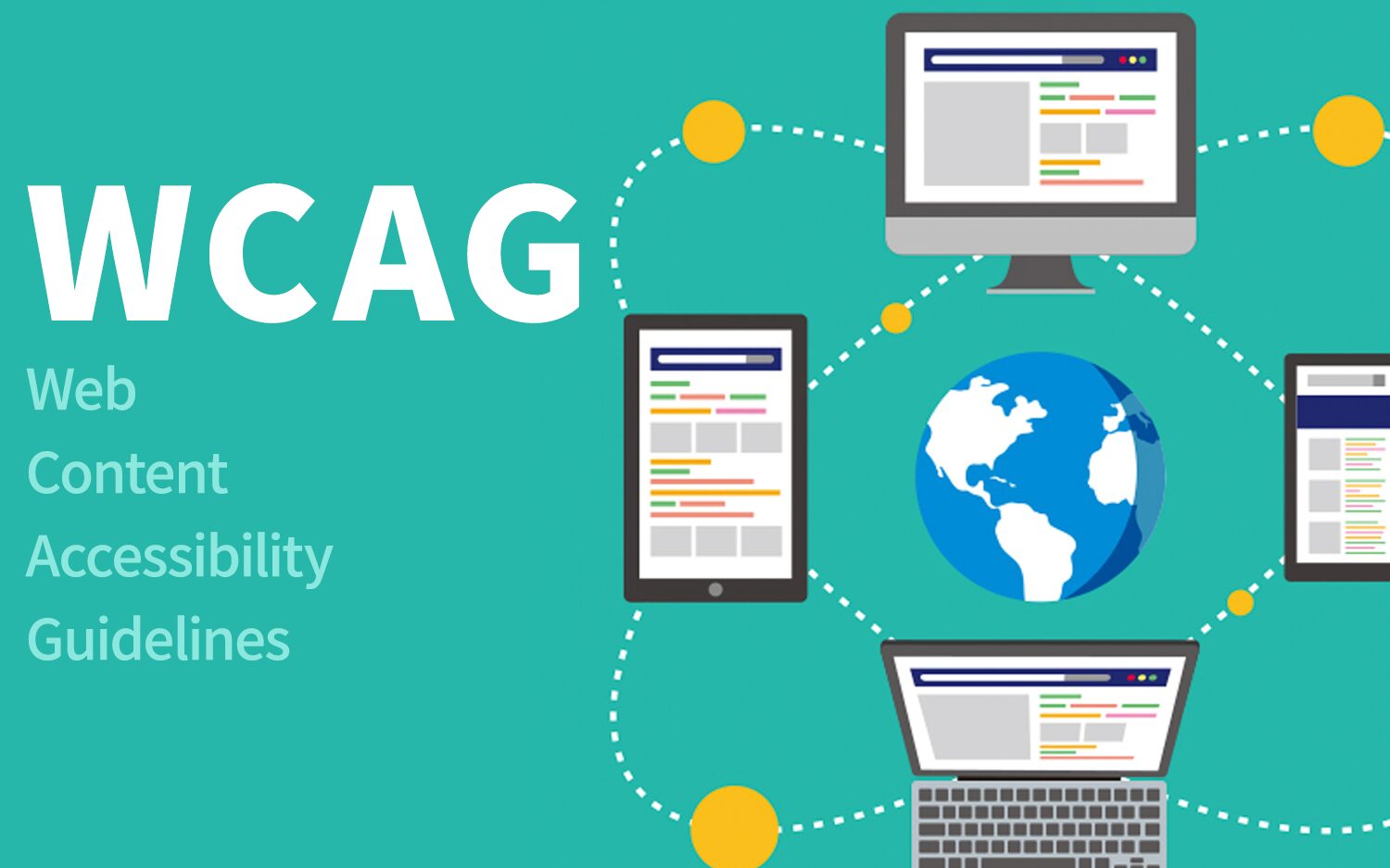
Global WCAG Standards
-
European EN 301 549 standard
-
Supports Standard Updates
User-friendly
-
Read Aloud
-
Highlight Page Links
-
Display Tooltips
-
Show Page Structure
Easy to See
-
Increase Font Size
-
Adjust Colors
-
Adjust Brightness
-
Focus on What You Want to Read
Standards Supported
-
Domestic JIS Standards
-
Global WCAG Standards
-
European EN 301 549 standard
-
Supports Standard Updates
What is web accessibility
Users of
web accessibility
There are more than 40 million people in Japan alone who benefit from web accessibility or request reasonable accommodations
.
Users
More than 4.28 million people
Number of elderly people in Japan (65 years and older)
More than 35.89 million people
References: Digital Agency - Web Accessibility Implementation Guidebook, Ministry of Health, Labour and Welfare - Trends in the Number of Persons with Disabilities, Cabinet Office - Chapter 1: The Status of Population Aging (Section 1)
Case Study
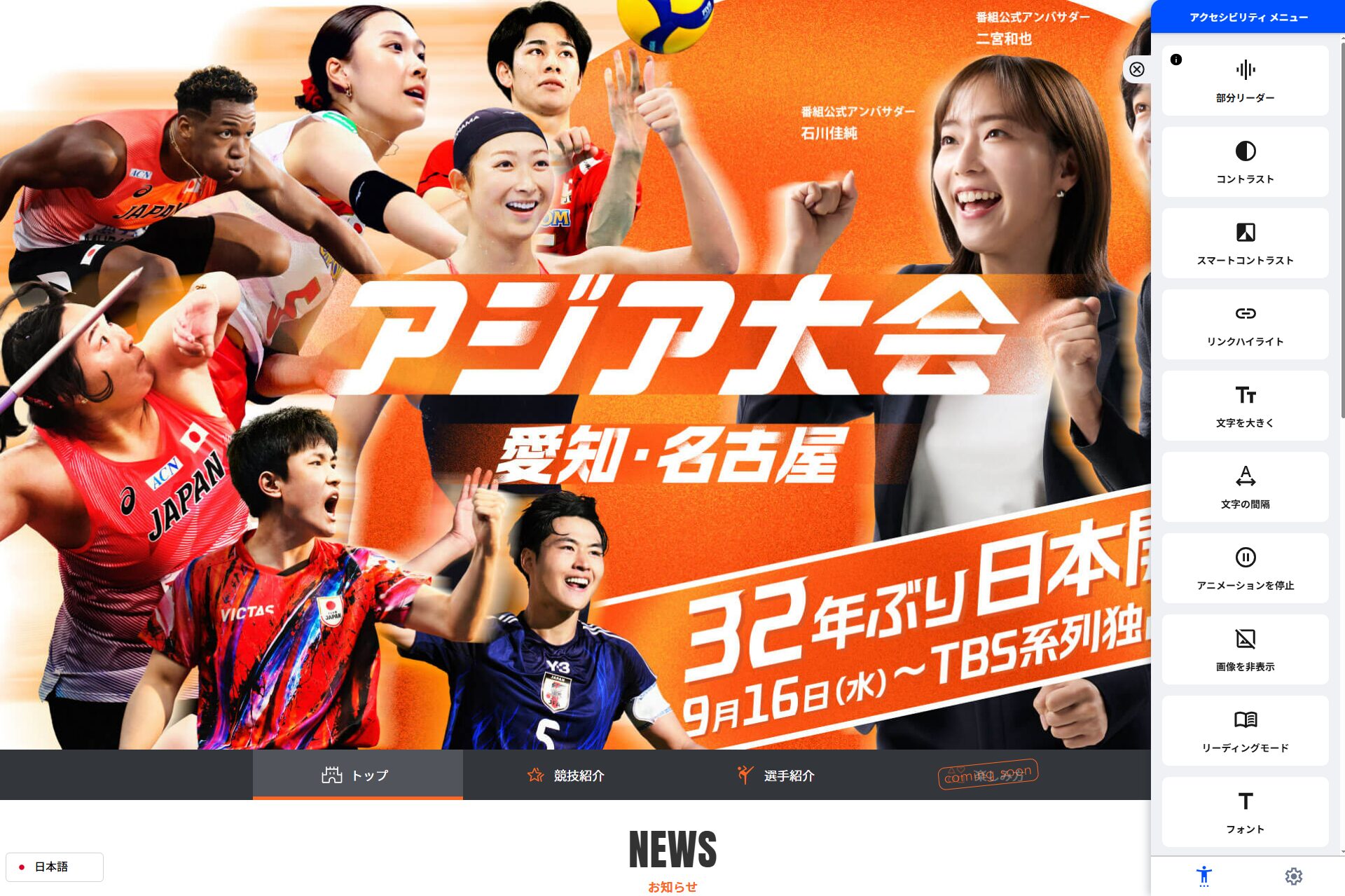

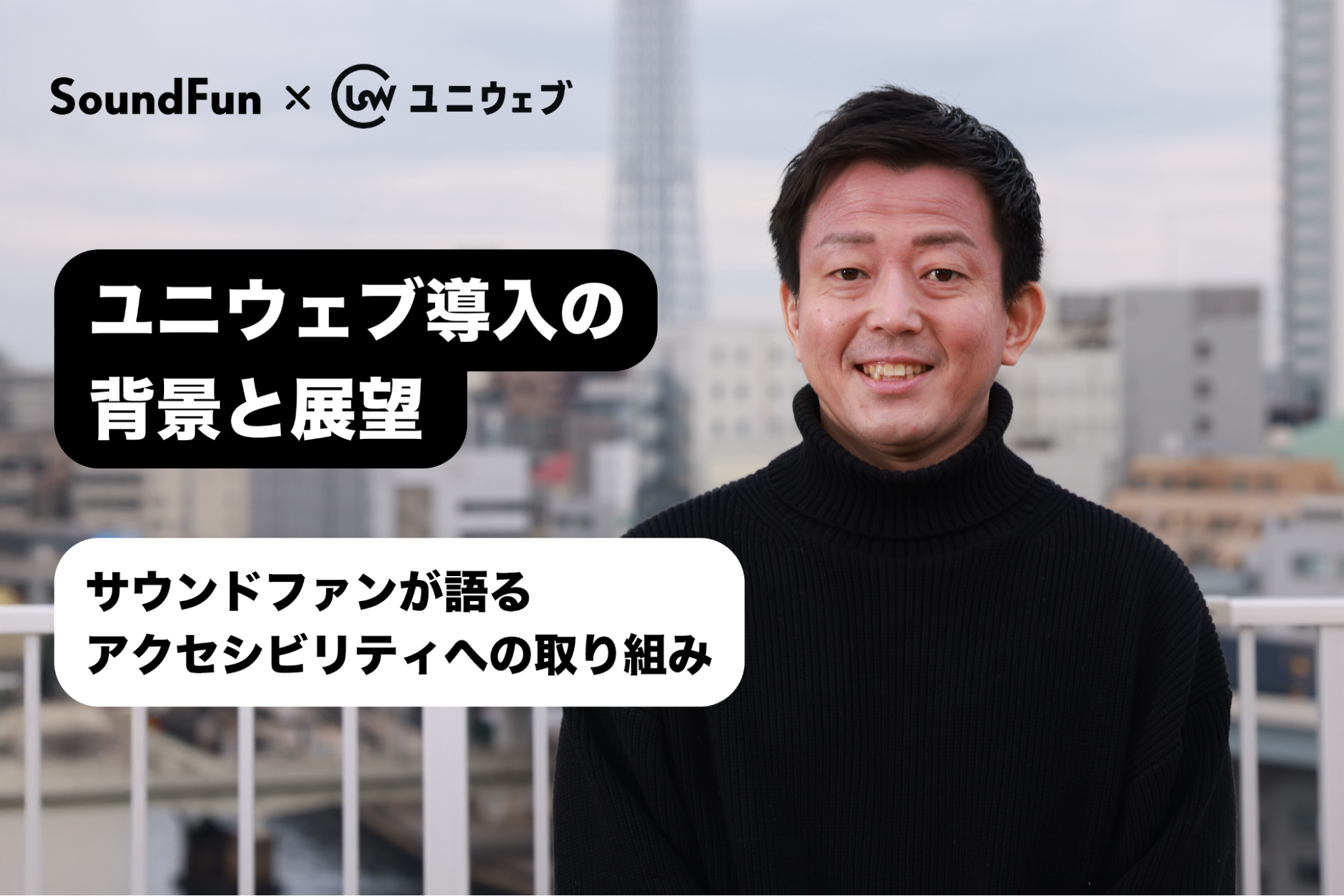

Post about accessibility
The web accessibility enhancement tool introduced in the cancellation insurance is so impressive that I can’t help but stare at ithttps://t.co/bLfVqkh781
— Copa 🐾🐾 (@copa1112) November 24, 2024
For those whose eyes are strained by too much contrast, there are cases where text color and background color are intentionally paired in softer combinations like white to cream and black to gray, but for my vision, this kind of low-contrast text is incredibly difficult to read. It would be nice if there was accessibility that users could choose from...
— Moritam/ayammin (@ayammin) March 27, 2022
The service "Uniweb" that my wife came across while surfing the web
- Tomohiro Tsutsumi / kittoi (@kittoi_tsutsumi) May 9, 2025
・Automatically enhances accessibility by simply adding one line of tag to a website
・Offers 30+ functions via a widget for color vision differences, dyslexia, visual impairments, and more (contrast adjustment, screen reader, furigana AI and more)…
Hmm, the text is small
- MAHALITO (@mahalito_wiz) October 15, 2024
and hard to read on a smartphone....
I wonder if ALBION has implemented a service called UniWeb? Stylish websites can sometimes be hard to read, so this is definitely helpful.
— Yanagi (@4e4wIn) November 8, 2024
It's not perfect, but subtitles are a big help~
— Shoeiko (@yskskzm) October 10, 2024
It's really helpful that they explain with the image ALT... I'm so grateful!
— Kiichi Akatsu (@akatu30) March 1, 2024
It's nice to see gradual improvements in accessibility.
— Una (@unachang113) May 21, 2024
The site that has introduced something called Uniweb was amazing
— Ume-nyan (@nekosouga) November 14, 2024
It’s a system called web accessibility that apparently makes things easier to see for everyone, regardless of age or physical condition
You can change all sorts of things like contrast, fonts, line spacing, and text-to-speech to create a more readable state
For me, being able to change the contrast is godsend!
Feature Introduction
What You Can Do with uniweb
Making the web accessible for everyone. Discover what Uniweb can offer.
01. Making Websites Usable for Everyone
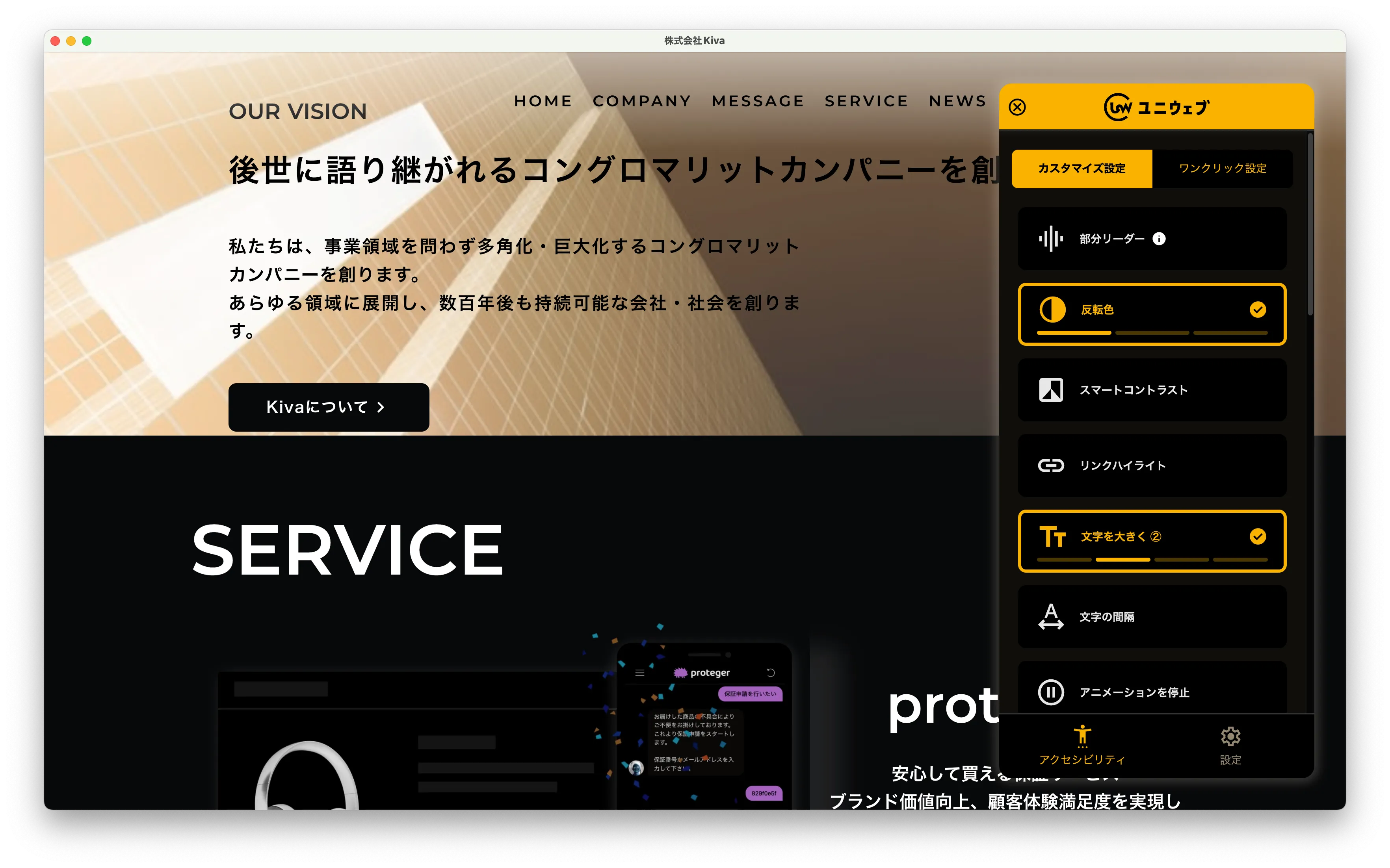
Comprehensive Accessibility Features Aligned with Global Standards

02. Button and Widget Configuration Features
Flexible Customization to Match Your Brand and Design Philosophy
03. Site Structure Optimization Feature
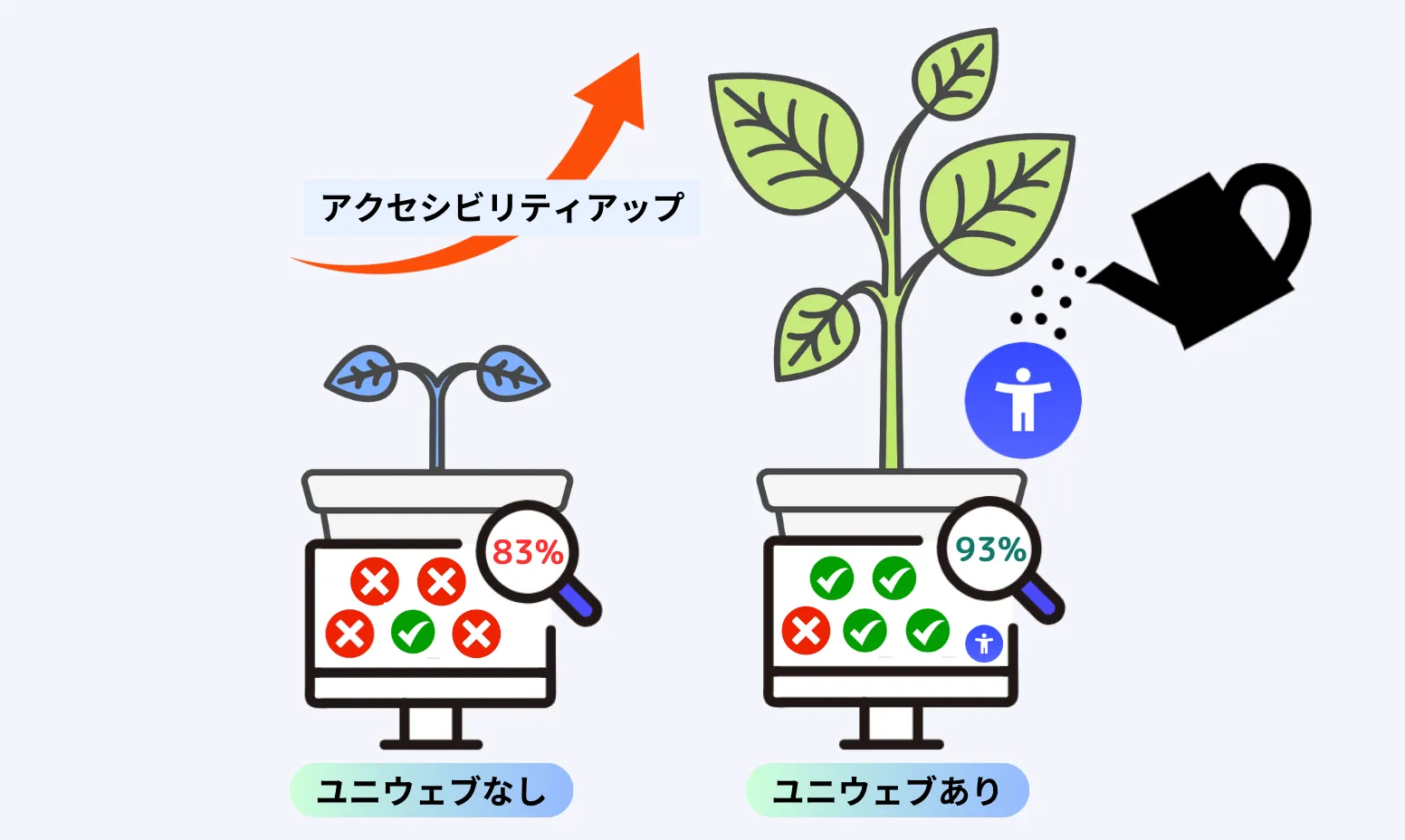
Automatic Optimization of Website Accessibility
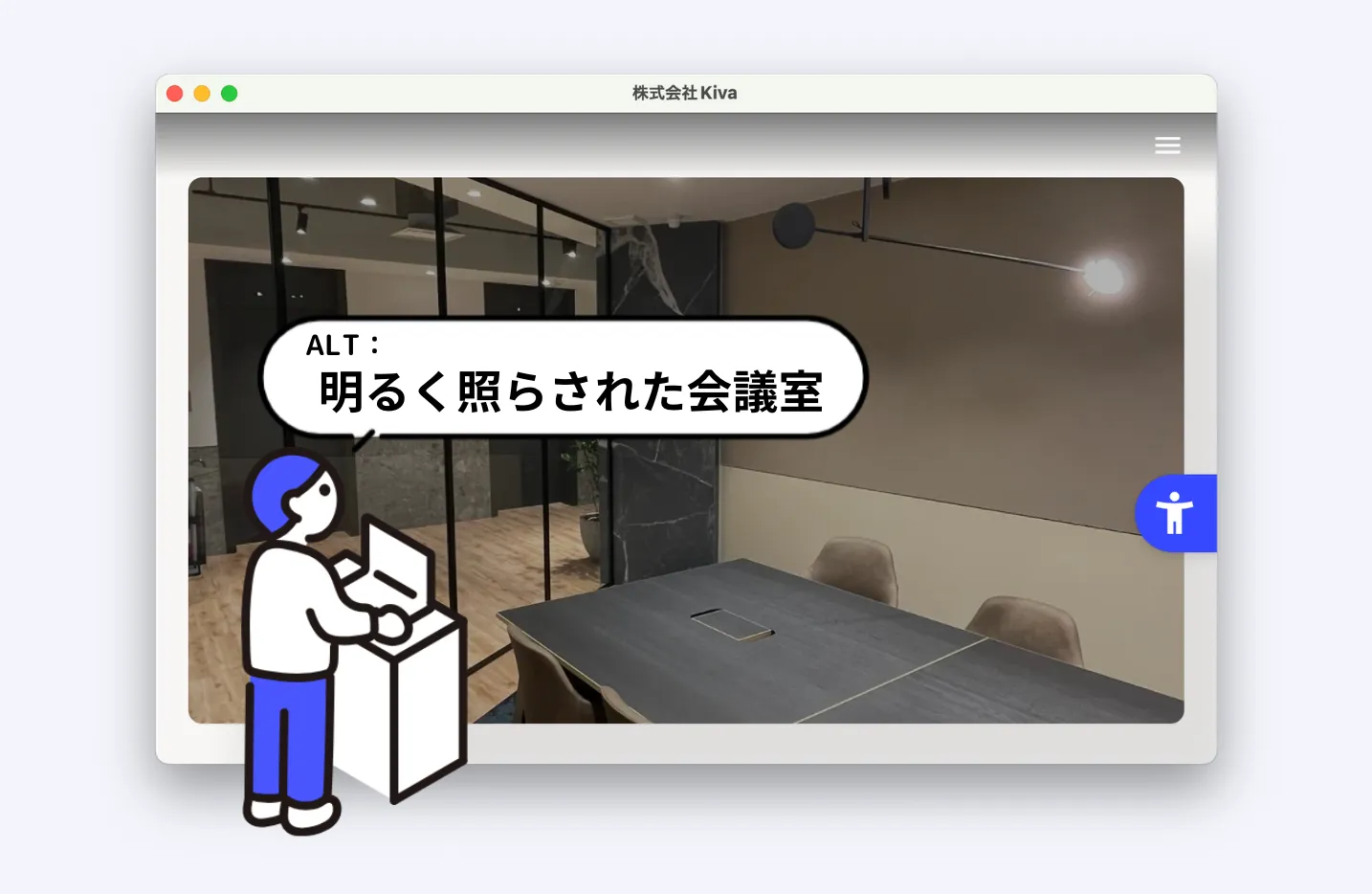
04. Advanced Corrections Using AI
Boost Accessibility with AI Features Like Automatic ALT Generation
05. Streamline Operations with Reporting Features!
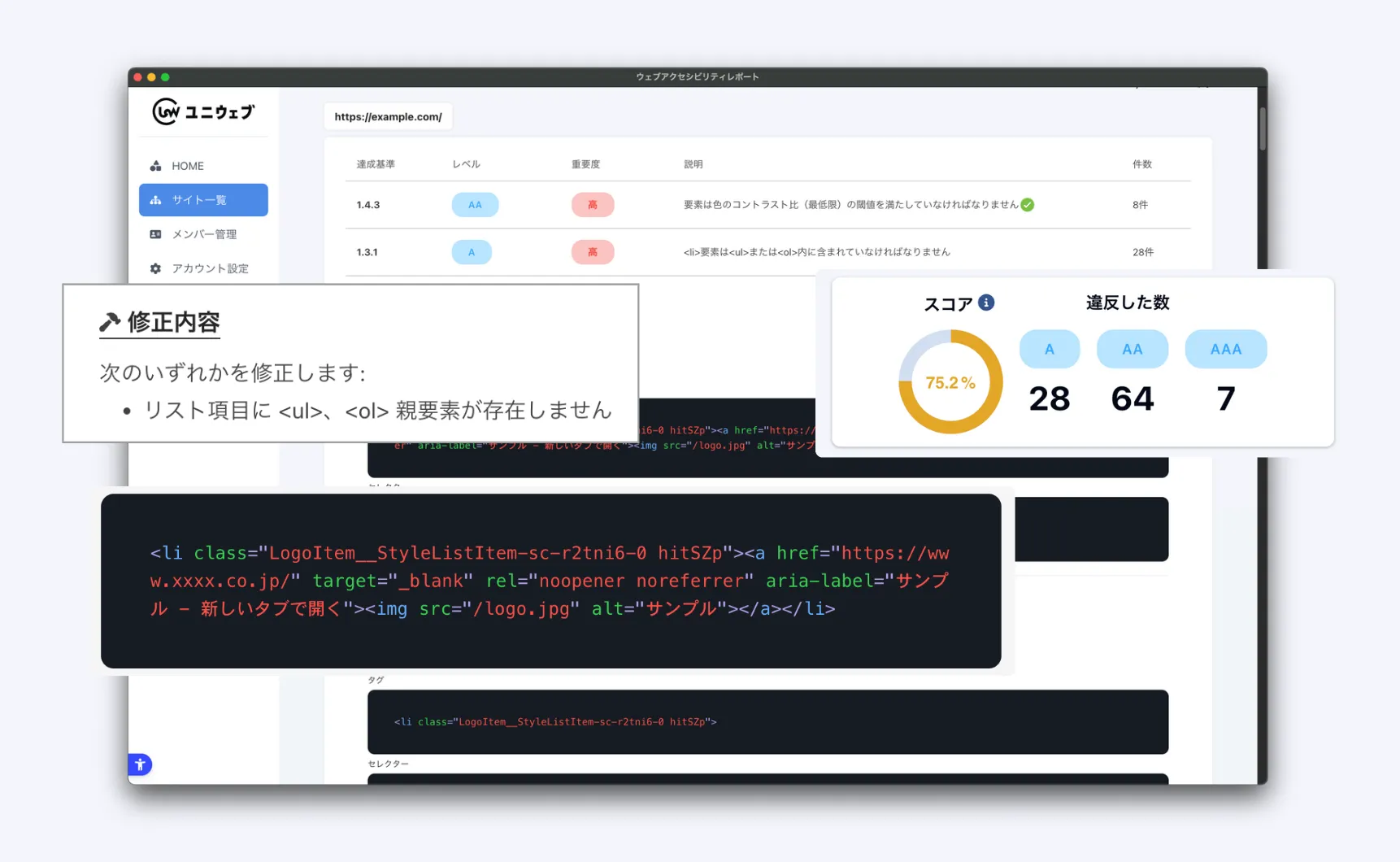
Analyze Website Issues and Get Fix Recommendations
Try Free Assessment
Optional Features
At Uniweb, various options are available tailored to your site.
AI Multilingual Translation
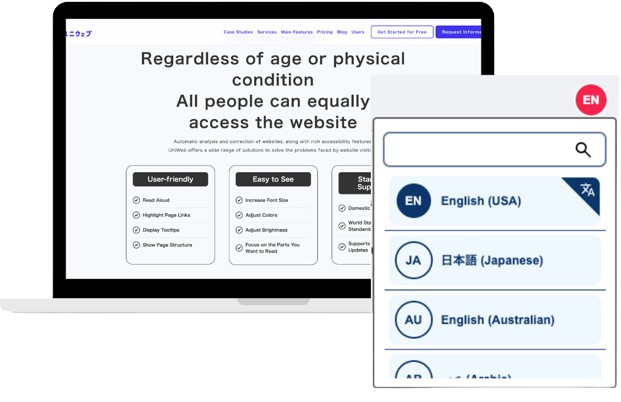
Automatically make your website multilingual with high-precision translation powered by the latest AI!
It delivers information not only for global expansion, but also to people based in Japan.
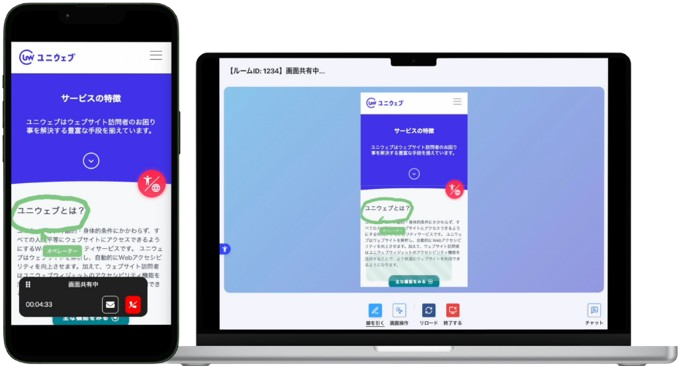
Co-browsing
A cobrowsing (screen-sharing) solution that drives customer success.
You can provide support through remote operations while viewing the screen of customers experiencing issues on your site in real time.
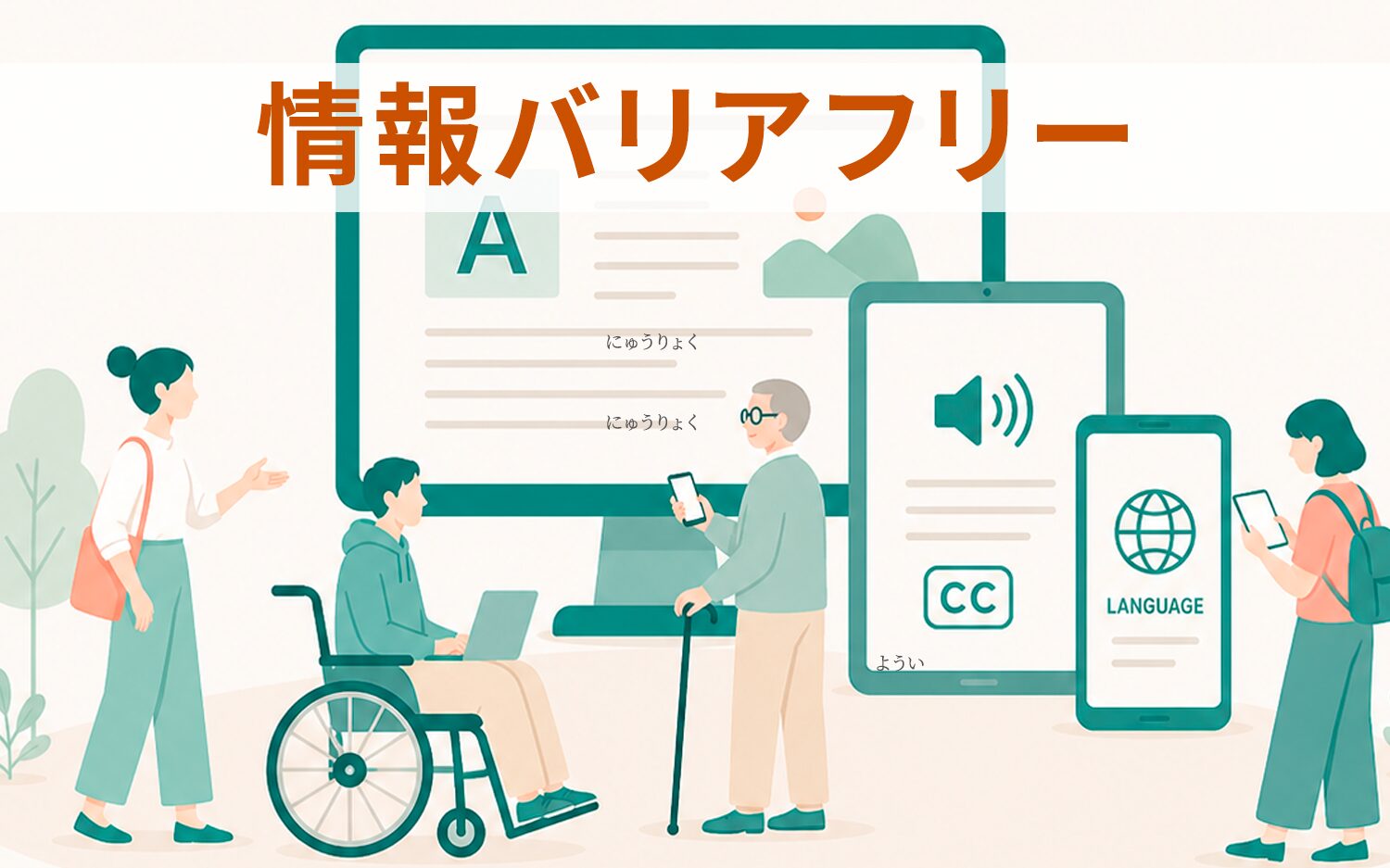
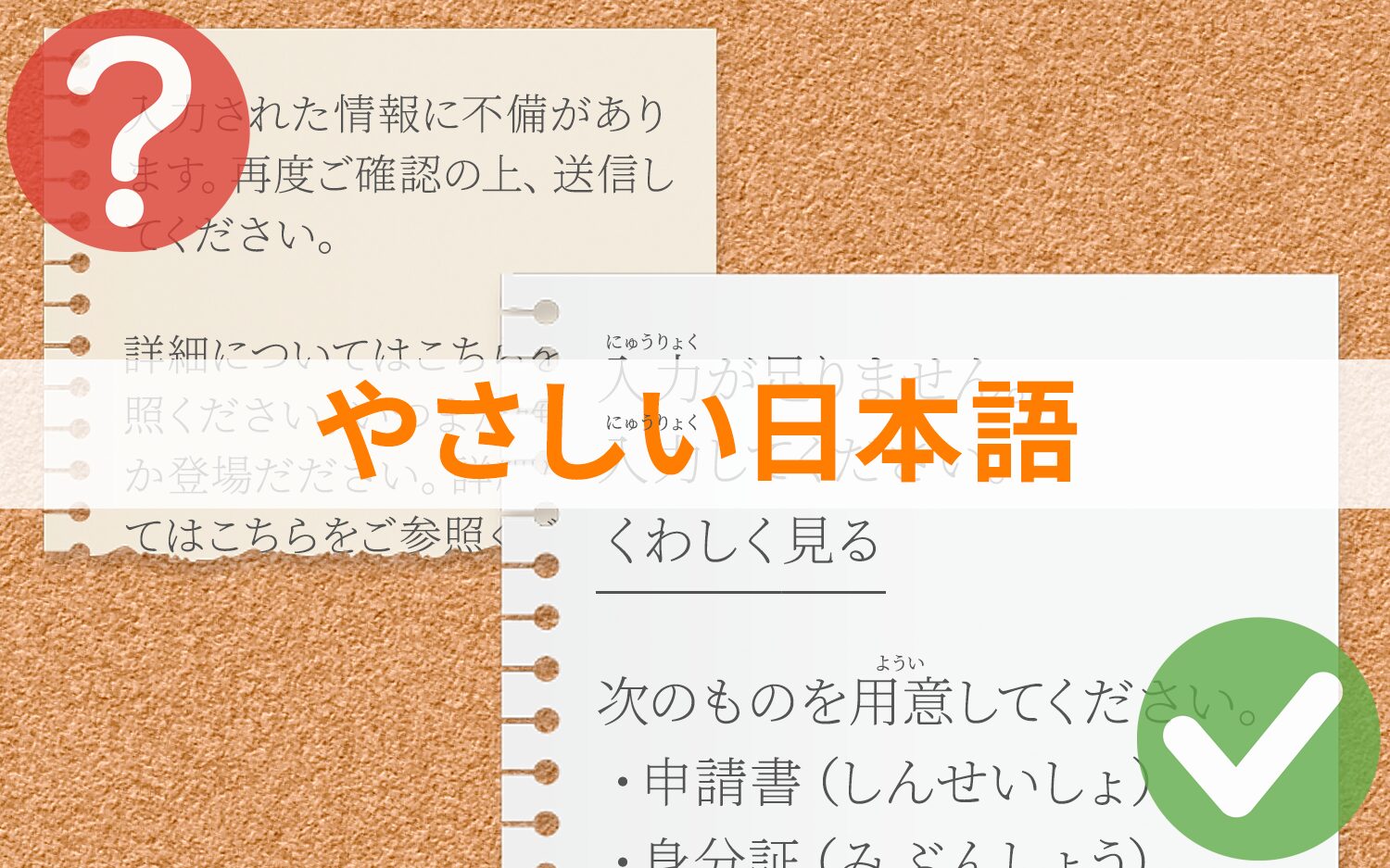


Users' Voices

A man in his 40s with color blindness.
A man in his 30s who is totally blind.

A woman in her 20s with low vision.
Process to Use the Service
Just add one line of
tag to your website to complete setup!
Step 1
Determine Domain
Please provide the number of domains (FQDN) and page views (PV).
Step 2
Estimate
We will provide an estimate based on the information received.
Step 3
Web Application
We will receive your application form online.
Step 4
Account Issuance and Immediate Implementation
You can begin using the service.
Our Pricing Plans
With a flexible implementation and customization design that can adapt to the different tasks and conditions of each customer,
it can be adapted to any scenario.
Monthly Fee per Domain
We will calculate the usage fee based on the number of domains (FQDN) and page views (PV).
Notice
Frequently Asked Questions
Question
Question
Question
Question